Are Google Shopping Results Ads? How to Shop Past the Sponsored Row
By The Ask Shopi Team · 5 min read
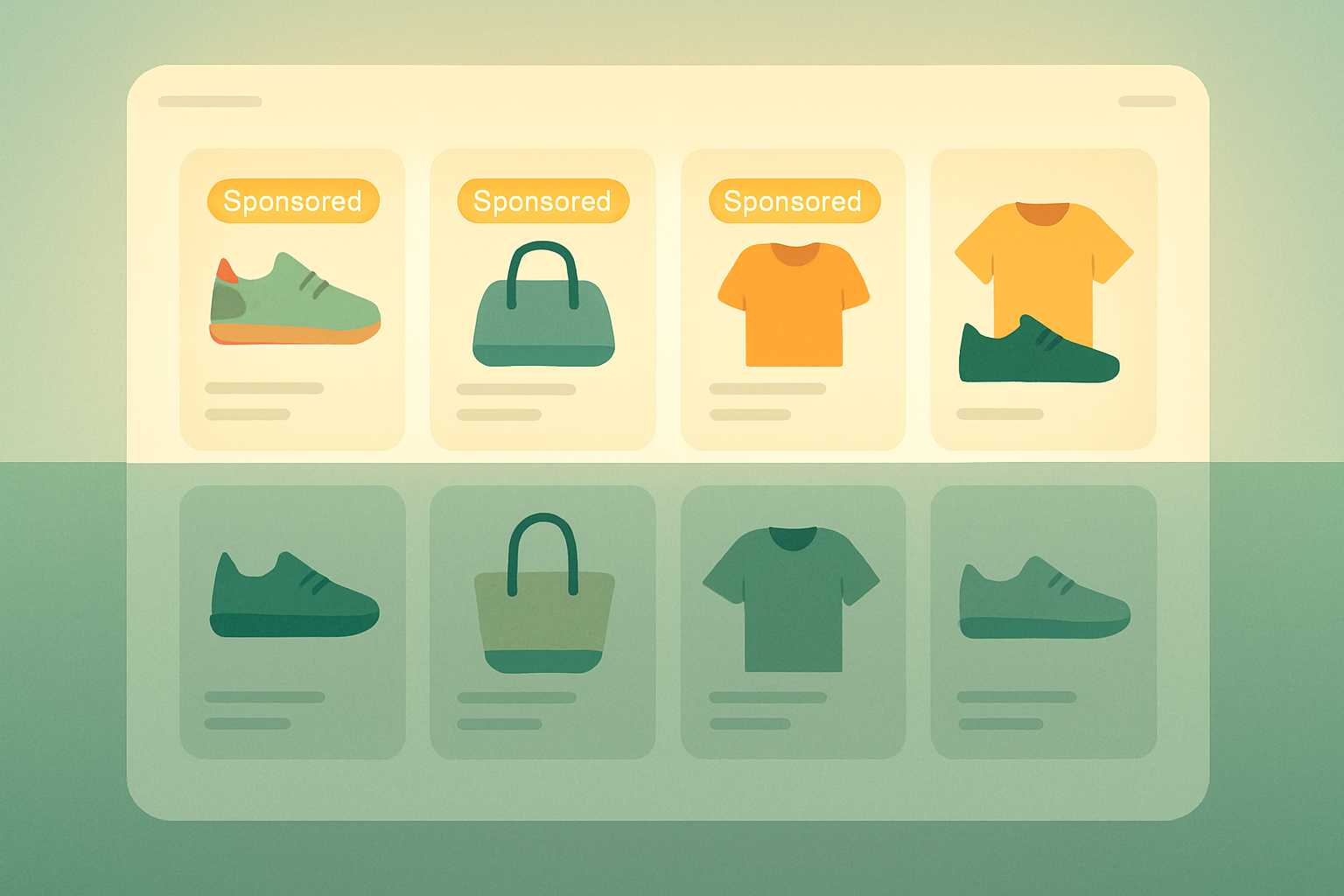
Mostly, yes. The product listings you see at the top of a Google search — the row of photos, prices, and "Shop" buttons — are largely paid placements marked "Sponsored," where merchants bid to appear. Google also shows some free product listings, but the most prominent spots are generally advertising, not a neutral ranking of the best product for you.
That doesn't make them useless or shady. It just means the order reflects who's paying and how relevant their listing is — not an unbiased verdict on quality, price, or fit. Once you know that, you can use Google Shopping for what it's good at (seeing options and rough prices fast) and then research past the sponsored row to the actual source.
Why this gets confusing
Google Shopping listings are designed to look like helpful results, not ads. They sit right where your eye lands, they show real photos and real prices, and they often answer your question well enough that you click without a second thought.
The line between "ad" and "result" is genuinely blurry here. A traditional text ad is obviously an ad. A product carousel full of clean images and competitive prices feels more like a feature of the search engine itself. Both can be paid placements — the format just makes one easier to recognize than the other.
How sponsored shopping listings generally work
In broad strokes, merchants submit their product data — title, image, price, availability — to Google's advertising system, then set bids and budgets to compete for placement. Which listings show, and in what order, is generally decided by a mix of how much an advertiser is willing to pay and how relevant their listing looks for your search.
A few things follow from that:
- It's an auction, not a quality contest. A higher position can mean a higher bid, not a better product.
- Stock and feed quality matter. Merchants with well-maintained product feeds and inventory tend to surface more often.
- The mix can shift. What appears varies by search, location, device, and what advertisers are spending at that moment.
None of this is hidden wrongdoing — it's simply how an ad marketplace works. The catch is only when you mistake "ranked first" for "best for me."
How to tell sponsored from organic
The good news: the signals are usually right on the page once you look for them.
- Look for the "Sponsored" label. Google labels paid listings, often above or near the product row. If you see "Sponsored," treat that block as advertising.
- Notice the placement. The carousel of products at the very top of regular search results is typically paid. Listings further down the page, or under a dedicated "Shopping" tab, can be a mix of paid and free.
- Watch the buttons and prices. Listings that link straight to a checkout or merchant store, with a price and seller name, are usually part of the shopping-ads system.
- Free listings exist too. Google does show some unpaid product listings, so "appears in Shopping" doesn't automatically mean "paid." The label and position are your clearest clues.
You don't need to memorize Google's exact rules — they change. Just build the habit of glancing for the "Sponsored" tag before you assume a listing is a neutral recommendation.
How to shop past the sponsored row
Sponsored listings are a fine starting point. The smart move is to use them to learn what's out there, then verify everything yourself before buying.
- Note the product, not the placement. Copy the exact model name or number from a listing you like — that's your real search term.
- Search the product directly. Look it up by name to find the manufacturer's own page, multiple retailers, and independent coverage, rather than only the merchant that bid to reach you.
- Compare across more than one seller. The first sponsored price isn't always the lowest. Check a couple of retailers and the brand's own store before deciding.
- Read reviews from a few sources. A single store's star rating is one data point. Look for patterns across several places, and be skeptical of reviews that all sound the same.
- Check the real total. Shipping, taxes, and return terms can erase a small price difference. Read the fine print on the page you'd actually buy from.
The goal isn't to avoid Google Shopping. It's to treat the sponsored row as a menu of leads, then do a few minutes of your own research so the final decision is yours, not the highest bidder's.
How honest comparison fits in
Paid placement isn't unique to Google. The same dynamic — where money quietly shapes what you see first — shows up across the web. We unpack the broader pattern in how product rankings work and in what sponsored content is, and we walk through a practical process in how to research a product before buying.
The throughline is simple: the order something appears in is a business decision as much as a recommendation. Knowing that turns "the first result" into "one option worth checking" rather than the default answer.
A quick checklist
- Look for the "Sponsored" label before trusting a product row.
- Treat the top carousel as advertising unless it says otherwise.
- Copy the exact model name and search it directly.
- Compare price and reviews across several sellers, including the brand's own store.
- Add shipping, tax, and returns to compare the real total.
You can't turn off shopping ads, but you can stop reading them as neutral advice. A quick check for the "Sponsored" tag — and a minute of research past it — is usually all it takes.
Want recommendations chosen for you instead of sold to you? Shopi learns what you actually need, then explains each pick in plain language with a clear "why this is for you." We run no ads, take no commissions, and use no affiliate links, so nothing has a reason to jump the line — and every result links straight to the product's own page. Try a free search with no signup, or build a free profile whenever you're ready for picks tuned to you.
Frequently asked questions
Are Google Shopping results ads?
Largely, yes. The prominent product listings at the top of Google search are mostly paid placements marked "Sponsored," where merchants bid to appear. Google also shows some free product listings, so check for the "Sponsored" label and the placement to tell which is which.
How can I tell if a Google Shopping listing is sponsored?
Look for the "Sponsored" label, which Google places above or near paid product rows. The carousel at the very top of search results is generally paid, while listings lower on the page or in the Shopping tab can be a mix of paid and free.
Does the top Google Shopping result mean it's the best product?
Not necessarily. Position is generally decided by a mix of the merchant's bid and how relevant their listing looks, not by an independent quality review. A higher spot can simply mean a higher bid, so it's worth comparing options yourself.
How do I research past sponsored shopping listings?
Copy the exact model name from a listing, then search it directly to find the manufacturer's page and multiple retailers. Compare prices and reviews across several sellers, and add shipping, tax, and return terms to see the real total before buying.