NuPhy
NuPhy Air75 V2
### Overview
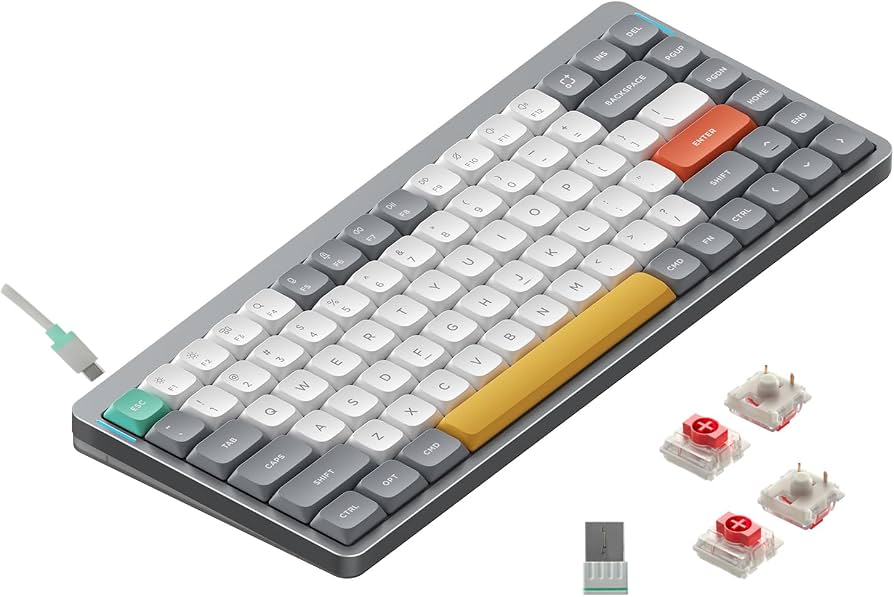
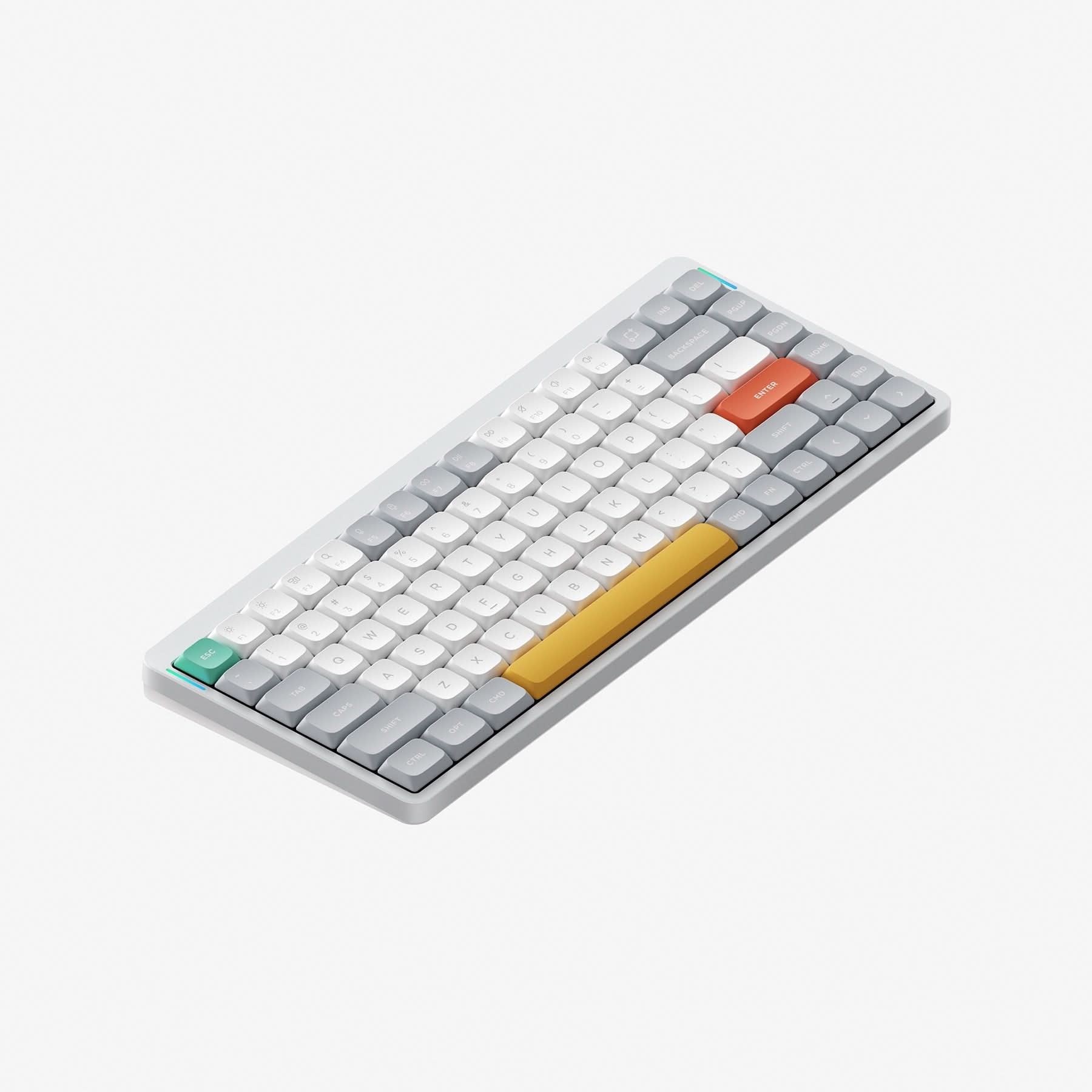
The NuPhy Air75 V2 is a compact 75% wireless mechanical keyboard that packs a genuine mechanical typing experience into a slim, travel-friendly frame. Compared to its predecessor, this version brings meaningful improvements to battery life, wireless connectivity, build quality, and typing experience — and it's notably the first tri-mode wireless keyboard to support QMK/VIA programming. It's available direct from NuPhy starting at $119.95 with standard Gateron low-profile switches, or $129.95 with NuPhy x Gateron custom switches.
---
### Pros
- **1000 Hz Wireless Polling:** The V2 bumps the 2.4 GHz polling rate from 500 Hz to 1,000 Hz — meaning it's now a viable daily driver for gamers who previously had to set it aside in favor of a wired board. - **Massive Battery Life:** The battery has grown from 2,500 mAh to 4,000 mAh, with NuPhy claiming up to 220 hours of use with RGB off — and 35–57 hours with full backlighting — making it genuinely low-maintenance for travel or desk use. - **Laptop-Friendly Footprint:** The feet and grip strips are designed to fit over a laptop's keyboard without touching its keys or trackpad, so you don't need extra desk space — and NuPhy states it's been tested on most MacBooks and a wide range of Windows machines. - **QMK/VIA Customization:** The V2 introduces QMK/VIA support, letting you remap every key, adjust backlight effects, and create macros through a web interface — with open-source profiles that aren't locked to proprietary software.
---
### Cons
- **macOS Software Quirks:** There is a known freezing issue on macOS where the keyboard temporarily stops responding; it resolves on its own, but it's worth knowing if you're primarily an Apple user. - **VIA Setup Can Be Unreliable on Mac:** Multiple reviewers report being unable to get VIA working on macOS despite following NuPhy's guide — a frustrating limitation for Mac users who specifically want firmware-level customization. - **Firmware Update Process Is Cumbersome:** Updating the firmware involves multiple files requiring different installation methods, and a 2.4 GHz radio update that requires a smartphone — an unusually involved process for a peripheral. - **Low-Profile Feel Takes Adjustment:** If you're coming from a traditional mechanical keyboard, the shallow Gateron low-profile switches may feel too flat at first, though those already accustomed to low-profile boards will feel right at home.
---
### Who It's For
This keyboard suits users who want low latency and extensive customization in a portable form — including gamers who need fast response times and professionals who value flexible key remapping and multi-OS compatibility. NuPhy has designed the Air75 V2 to be Mac-friendly, with dedicated Mac keycaps and a physical toggle switch for switching between Windows and macOS — making it a strong pick for Mac users who find Apple's Magic Keyboard too limiting. The ability to connect via 2.4 GHz, Bluetooth 5.1, or wired USB-C also makes it well-suited to multi-device workflows.
---
### Not Right For
Power users who rely heavily on firmware customization on macOS and need it to work reliably out of the box — VIA/QMK integration has documented issues on Apple platforms that may require troubleshooting.
Researched across 8 sources: rtings.com, tomshardware.com, howtogeek.com, tomsguide.com, zelpio.com, powerup-gaming.com, keeb-finder.com, appleinsider.com.
Key features
- 75% layout
- low-profile
- wireless
- Mac support
- hot-swappable
![NuPhy Air75 V2 [Air60 V2, Air96 V2] Review - RTINGS.com](https://tdmveqiseajuuavgkskm.supabase.co/storage/v1/object/public/product-images/chash-f0fda78f3e2b5a5b/2.jpg)