Logitech
Logitech MX Keys S Wireless Keyboard
The MX Keys S is Logitech's flagship wireless desktop keyboard, built around low-profile scissor switches and multi-device productivity features.
Shopi's verdict
The MX Keys S is a polished, productivity-focused keyboard that excels for desk workers who split time across multiple devices — the Easy-Switch pairing and comfortable low-profile scissor switches make it a genuine daily-driver upgrade from a standard office board. Battery life is strong and USB-C charging keeps things modern, though the laptop-like key feel won't satisfy anyone who prefers the deeper travel of a mechanical keyboard. A smart buy for multi-device professionals; enthusiasts chasing tactile feedback should look elsewhere.
### Overview The MX Keys S is a wireless keyboard that continues Logitech's MX Keys lineup, built squarely around productivity. It harnesses dual-labeled keycaps and tech that automatically detects the operating system, letting you work effortlessly across macOS and Windows. Retailing at $109.99, it sits at the premium end of the productivity keyboard market and competes directly with the Apple Magic Keyboard.
---
### Pros - **Comfortable Typing Feel:** In testing, the MX Keys S felt great to type on, never tiring hands or wrists even after long sessions — a meaningful advantage for anyone who spends hours at a desk daily. - **Quiet Operation:** It is quiet enough to be nearly inaudible over regular office chatter, with a low-volume clack that is neither particularly rich nor hollow — ideal for open offices or shared spaces. - **Seamless Multi-Device Switching:** You can connect to up to three devices and switch between them with a key press, mixing Bluetooth and the Logi Bolt receiver — for example, one device on Bluetooth and another via the receiver, which is genuinely useful for anyone juggling a laptop, desktop, and tablet. - **Smart Backlighting:** Proximity sensors cause the backlight to turn on as hands approach and adjust brightness based on ambient light conditions, conserving battery without requiring manual adjustments throughout the day.
---
### Cons - **Dim Backlight:** The backlighting is quite limited and dim; Logitech has stuck with simple white LED lighting, which may disappoint users who work in darker environments and expect brighter illumination at this price point. - **Battery Life Drops Sharply with Backlighting On:** The keyboard can fall short of expectations with a mere 10-day battery life with backlighting on, though the manufacturer asserts it can last up to 5 months with the lights off — a wide gap that depends heavily on how you use it. - **No Wired Mode:** The USB-C connection is solely for charging; data transfer still goes through Bluetooth or the Bolt receiver, which may disappoint those who prefer or require a wired connection. - **Large Footprint and No Dongle Storage:** It has a big desk footprint — heavy and long — and combined with the missing dongle storage, it's best suited to staying put in one place.
---
### Who It's For The MX Keys S is designed to cater to professionals seeking a seamless and efficient typing experience. Its cross-platform compatibility with Windows, macOS, Linux, ChromeOS, iPadOS, iOS, and Android makes it versatile for users across various device ecosystems. It's especially well-suited to multi-device power users who want per-app key customization via Logi Options+ and a quiet, refined typing feel for long work sessions.
---
### Not Right For Buyers who need a portable travel keyboard, prefer tactile mechanical switches, or require a wired connection for IT/security reasons should look elsewhere.
Researched across 8 sources: rtings.com, tomsguide.com, windowscentral.com, techgearlab.com, salopek.io, computerguideonline.com, trustedreviews.com, ahelp.center.
Key features
- Low-profile scissor switches for laptop-like feel; Multi-device pairing with Easy-Switch; Smart backlighting and proximity sensors; USB-C rechargeable with long battery life
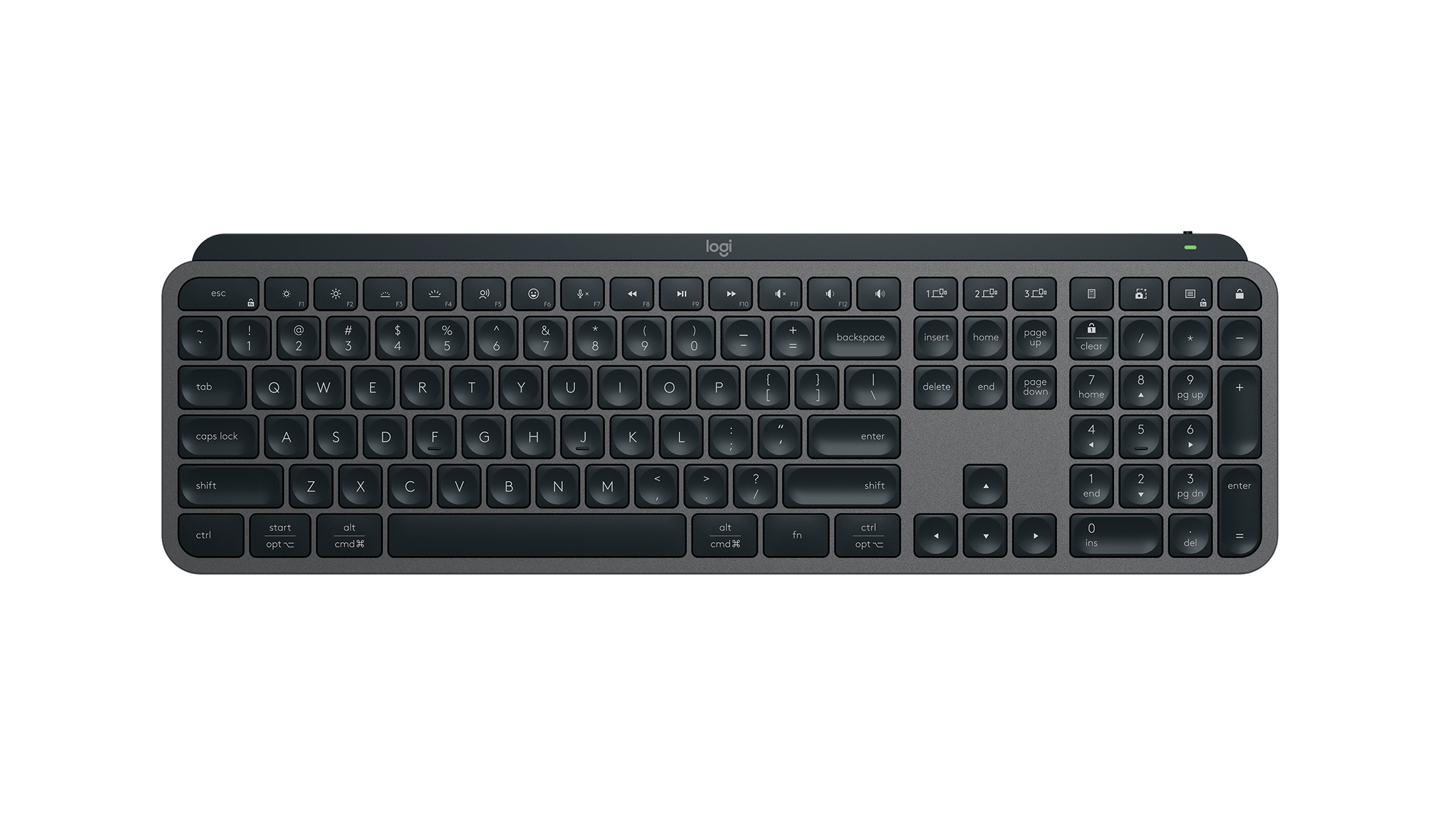
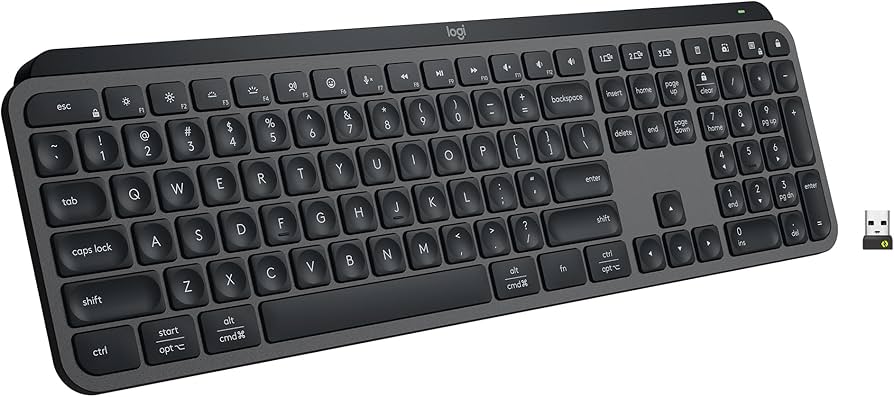
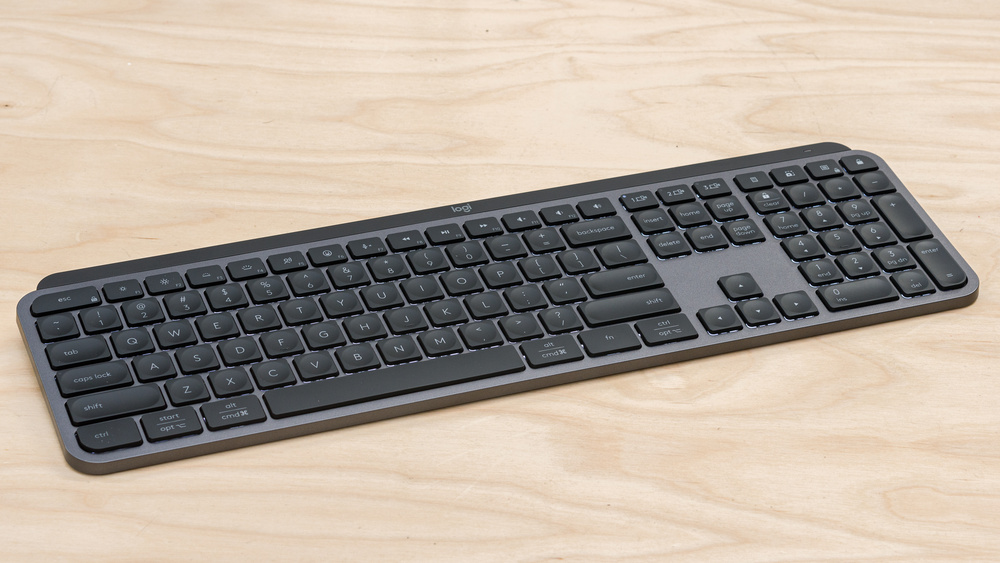
A polished, full-size wireless keyboard that feels closer to a premium laptop deck than a traditional desktop board.
What stands out
- Low-profile scissor switches deliver a quiet, confident keystroke that suits long typing sessions
- Easy-Switch button lets you pair and hop between up to three devices without re-pairing
- Smart backlighting adjusts automatically via proximity sensor, preserving battery without manual fuss
- USB-C recharging and a long-rated battery life mean cable clutter stays minimal
What to weigh
- Low-profile scissor switches won't satisfy typists who prefer deeper mechanical travel
- No per-key RGB — backlighting is white only, which may disappoint customisation-focused users
- Full-size layout with numpad makes it a large footprint on tighter desks
Great fit if
- Professionals who switch daily between a laptop, tablet, and desktop
- Typists who prefer a quiet, laptop-style feel on a full-size board
- Anyone wanting a clean, rechargeable wireless setup without dongle dependency
Skip it if
- Mechanical keyboard enthusiasts who want tactile or clicky switches with deep travel
- Users who need compact or tenkeyless layouts to save desk space
- Gamers looking for RGB customisation or fast-polling wireless performance