Logitech
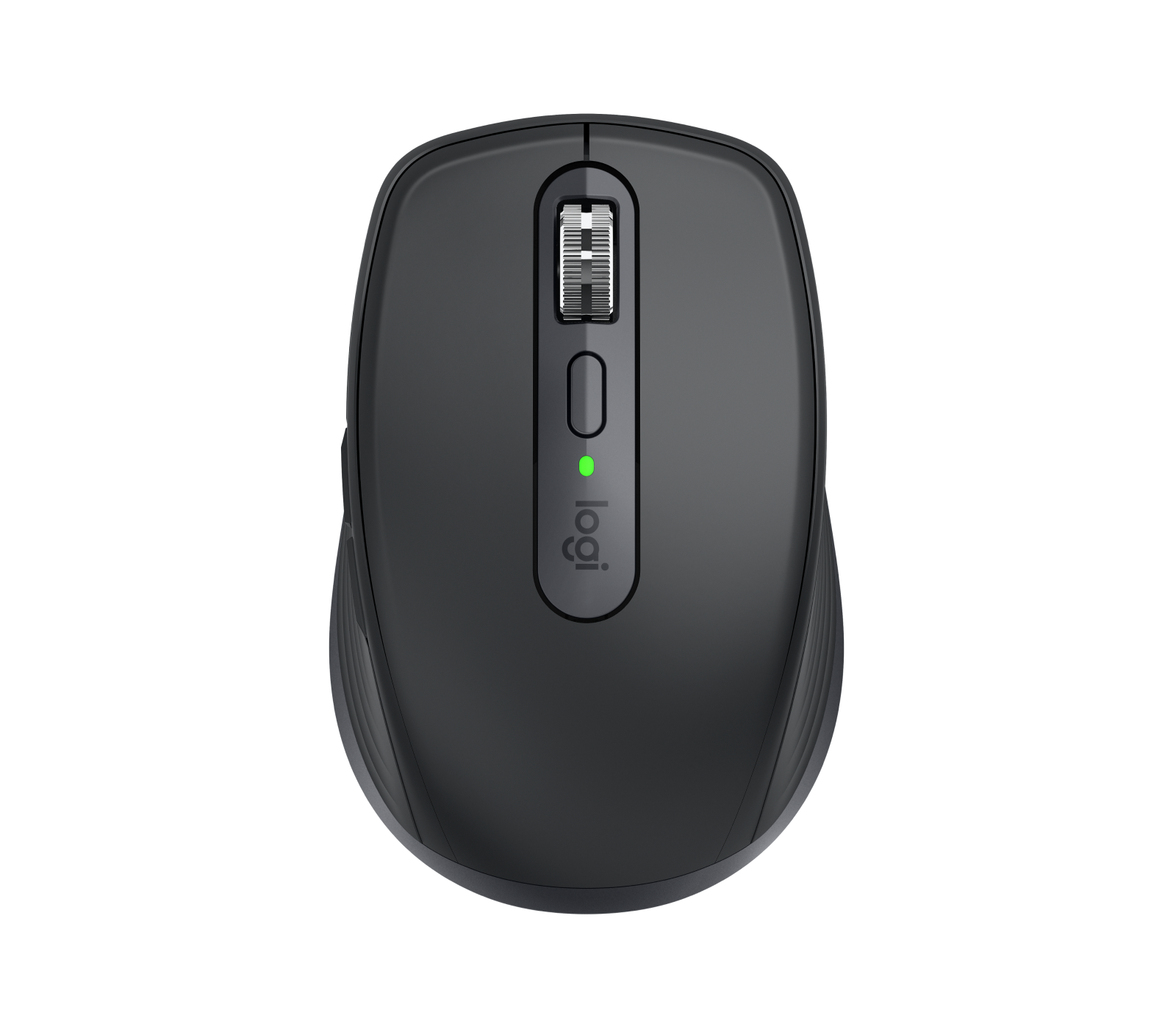
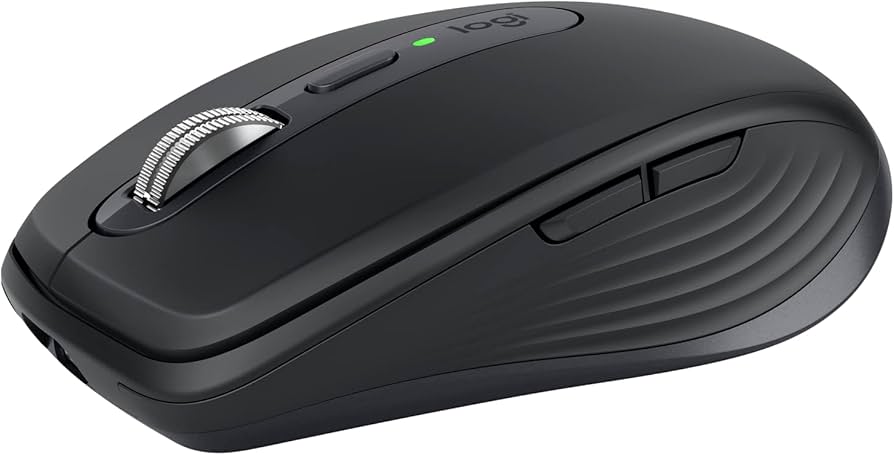
Logitech MX Anywhere 3S Mouse
The MX Anywhere 3S is Logitech's compact, travel-oriented productivity mouse with quiet clicks and multi-device connectivity.
### Overview
The MX Anywhere 3S is a compact wireless mouse designed as a portable option for productivity and everyday browsing. It builds on the well-regarded MX Anywhere line with two meaningful upgrades: quiet click tech borrowed from its bigger MX Master 3S sibling, plus a new 8,000 DPI sensor. Retailing around $84.99–$89.99, it sits at the premium end of the travel mouse market.
---
### Standout Features
- **8K DPI Any-Surface Tracking:** Works on virtually any surface — including glass — with the 8K DPI sensor, so you can cover more ground with subtle movement. - **MagSpeed Scroll Wheel:** Scroll up to 1,000 lines per second with MagSpeed, Logitech's fastest and most precise scroll wheel, which toggles between ratchet and hyper-fast free-spin modes. - **Quiet Clicks:** Quiet Click buttons cut down on click volume drastically while remaining tactile, avoiding the mushy feel of other dampened mouse buttons. - **Multi-Device Connectivity:** Connect with up to 3 devices via Bluetooth on Windows, macOS, Chrome OS, or Linux. - **Long Battery Life with Fast Charging:** Stays powered for up to 70 days on a full charge and lasts up to 3 hours off a 1-minute charge via USB-C. - **Logi Options+ Customization:** Six buttons can be customized for a user-specific experience, with predefined app-specific customizations available to optimize workflow.
---
### Who It's For
This mouse is well-suited to users who need something compact enough to throw in a bag, quiet enough not to be intrusive, and ergonomically designed for comfort. It delivers a great productivity experience with accurate navigation on any surface and plenty of customization options. It's a particularly strong pick for hybrid workers, frequent travelers, and anyone working in shared or open-plan environments where click noise is a concern.
---
### Important Considerations
- **Small form factor may not suit everyone:** The compact dimensions make it a good choice for people with smaller hands, but those with larger hands may find gripping it less comfortable. - **No Logi Bolt dongle included:** The Logi Bolt USB receiver is not included in the box, which was included with the previous MX Anywhere 3 at the same price. - **Value questioned by some reviewers:** For the money, competing options exist — the Razer Pro Click Mini offers more features for similar money, while Logitech's own M235 touts similar specs for less. - **Not a wired option:** It charges via USB-C, but the cable cannot be used for a wired mode — you can use it over Bluetooth while charging, but a fully wired connection isn't supported.
Key features
- Ergonomic
- silent clicks
- multi-device
Seen at 8 retailers from $69.99 to $187.48 as of 2026-03-15. Prices change — check the retailer for the current price.
A genuinely portable productivity mouse that doesn't sacrifice the feel of a full-size desktop peripheral.
What stands out
- Silent click mechanism significantly reduces audible noise without sacrificing tactile feedback
- Multi-device pairing lets you switch between up to three computers or tablets with a dedicated button
- Compact form factor makes it practical for travel and tight desk setups
- MagSpeed electromagnetic scroll wheel offers fast, precise scrolling on a wide range of surfaces
What to weigh
- Smaller size can feel cramped during extended sessions for users with larger hands
- No dedicated left-side thumb buttons beyond the two standard ones, limiting macro options
- Battery life, while solid, depends on USB-C charging rather than replaceable batteries
Great fit if
- Frequent travellers who want a capable mouse that fits in a bag without compromise
- Multi-device users who switch regularly between laptops or desktops
- Anyone working in shared or quiet environments where click noise is a consideration
Skip it if
- Users with large hands who prefer a full-size ergonomic mouse for all-day comfort
- Gamers needing high-polling-rate performance or extensive programmable buttons
- Those who strongly prefer AA-battery convenience over rechargeable devices