Keychron
Keychron K13 Pro Wireless Mechanical Keyboard
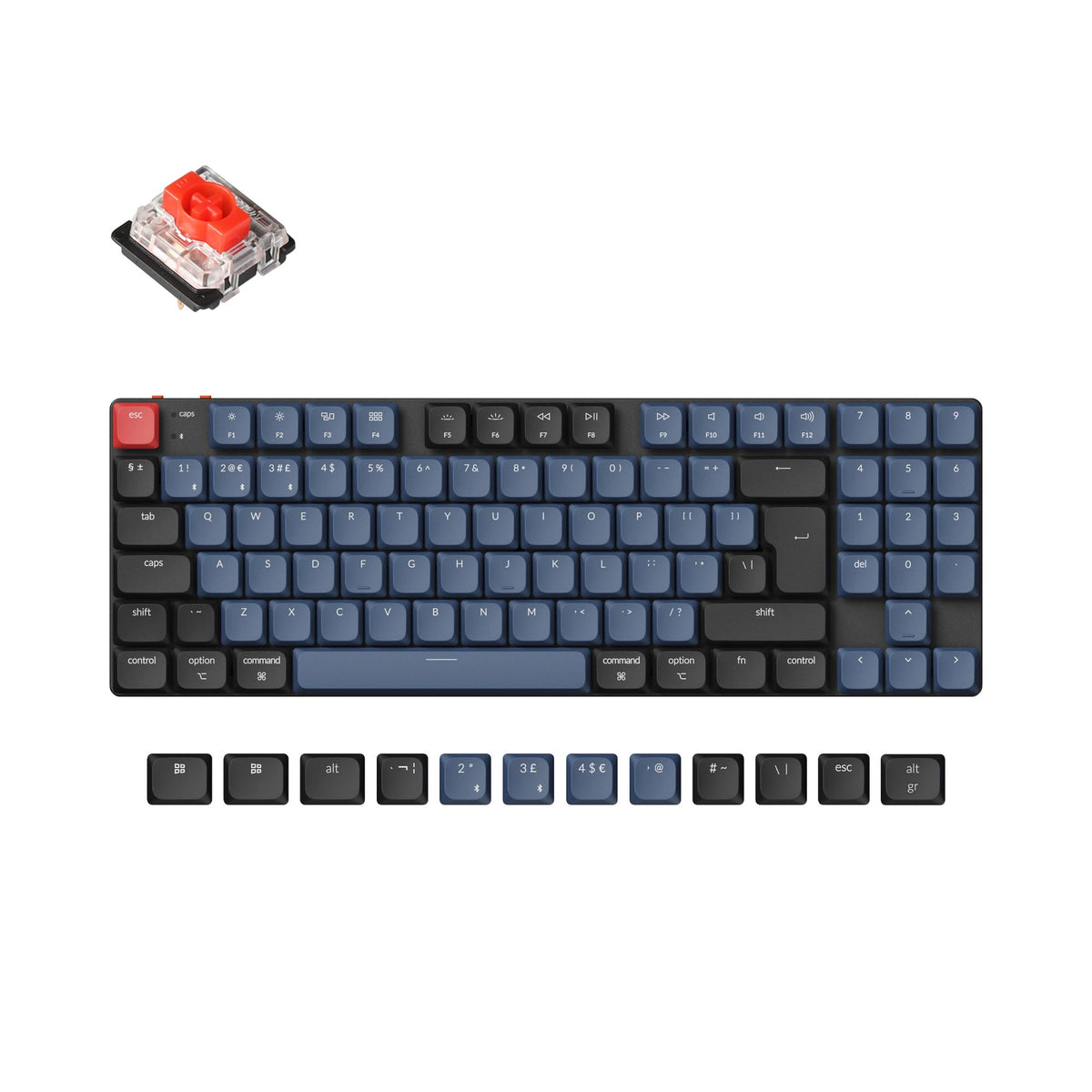
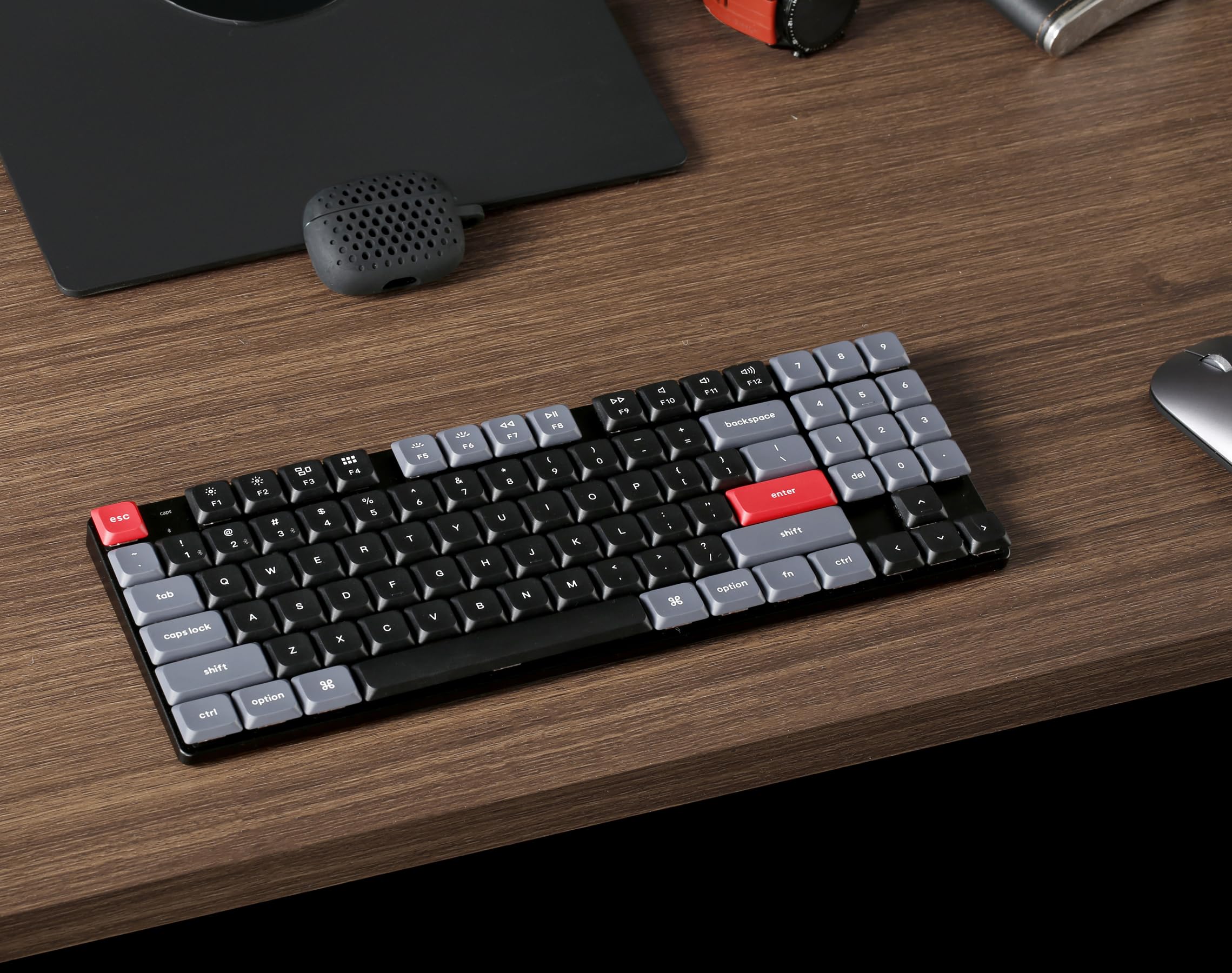
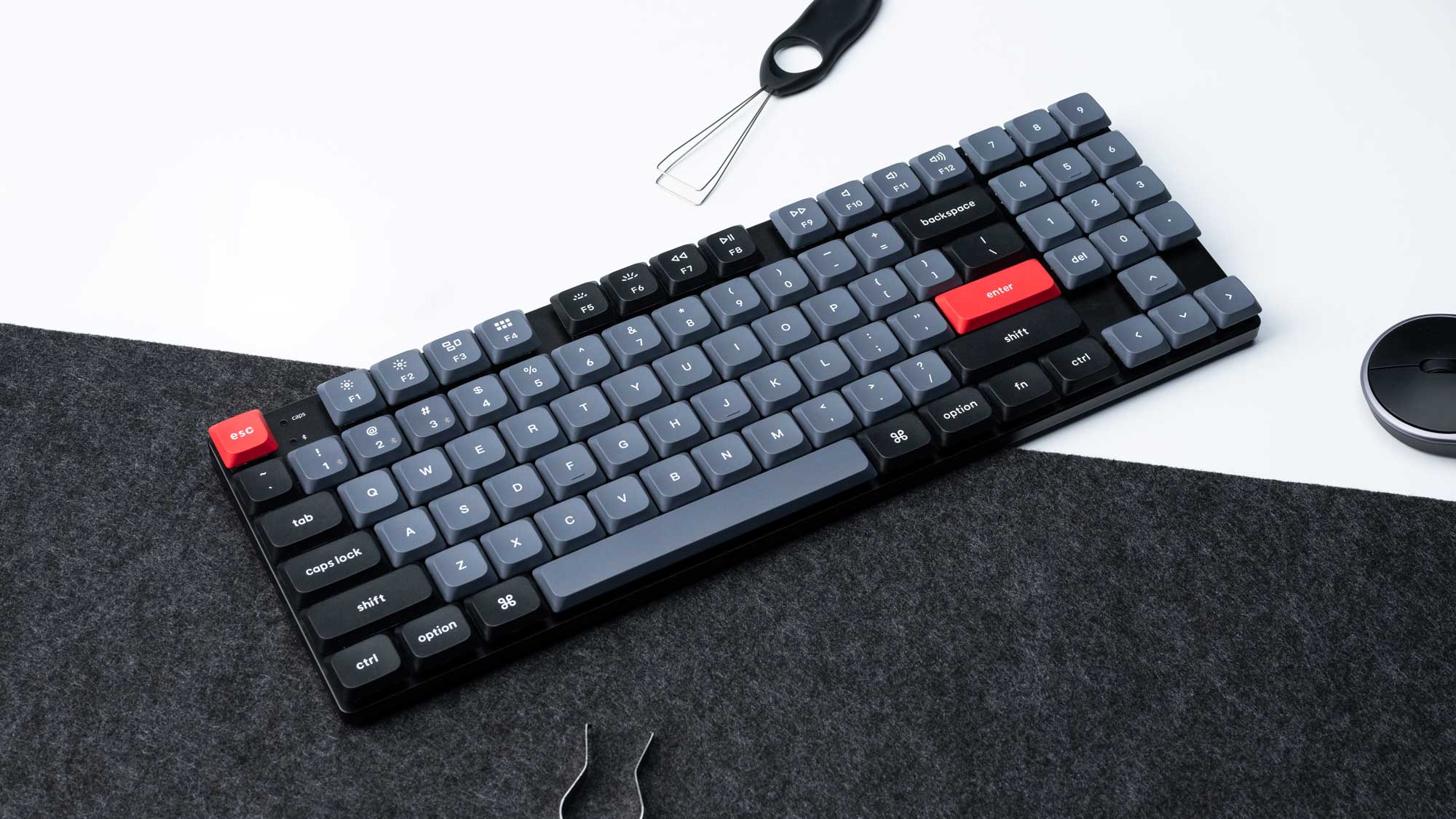
The Keychron K13 Pro is a compact 75% low-profile wireless mechanical keyboard with an aluminum frame, aimed at users who want a slim, desk-friendly board without sacrificing a dedicated function row or arrow keys.
# Keychron K13 Pro Wireless Mechanical Keyboard
## Overview The Keychron K13 Pro is a compact wireless mechanical keyboard featuring low-profile Gateron switches and dual connectivity (Bluetooth and 2.4GHz). It combines a slim aluminum frame with mechanical switches in a 75% layout, making it suitable for both productivity and light gaming while maintaining portability.
## Standout Features - **Dual wireless connectivity**: Bluetooth 5.1 and 2.4GHz USB receiver for flexible device switching - **Low-profile mechanical switches**: Gateron switches (available in linear, tactile, and clicky options) with reduced travel distance compared to standard mechanical switches - **Compact 75% layout**: Includes function row and arrow keys without the full numpad, balancing functionality and desk space - **Aluminum frame**: Durable construction with a premium feel and solid typing experience - **HomeKit compatibility**: Works with Apple HomeKit via USB-C connection for smart home integration - **Multi-device pairing**: Can connect to up to three devices simultaneously via Bluetooth - **Rechargeable battery**: Built-in lithium battery with USB-C charging - **Programmable keys**: Customizable via Keychron's software for macros and key remapping - **RGB backlighting**: Per-key RGB lighting with multiple effects (brightness varies by switch type)
## Who It's For The K13 Pro appeals to **remote workers and professionals** who want a mechanical keyboard that doesn't dominate desk space, **Mac users** (especially those with HomeKit setups), and **casual gamers** who prioritize portability and wireless convenience over extreme performance. It's also well-suited for anyone transitioning from laptop keyboards to mechanical switches who prefers a lower profile.
## Important Considerations
**Switch feel is subjective**: Low-profile switches have a different typing experience than standard mechanical switches—shallower actuation and less key travel. If you've never tried low-profile switches, consider testing them first, as some users find them less satisfying than full-height alternatives.
**Gateron switches, not Cherry MX**: While Gateron switches are reliable and well-regarded, they're not the premium Cherry MX switches found on higher-end keyboards. This is a cost trade-off, not necessarily a drawback, but worth knowing.
**HomeKit integration has limitations**: The HomeKit feature works via USB-C connection only, not over Bluetooth. This means you'll need to keep the keyboard wired to a device for HomeKit functionality, which may limit its usefulness depending on your setup.
**RGB lighting varies by switch type**: The brightness and visibility of backlighting differs between linear, tactile, and clicky switch options due to their internal design. If RGB is important to you, research the specific switch variant.
**Battery life claims vary**: Real-world battery life depends heavily on usage patterns, RGB brightness settings, and polling rate. Keychron typically claims 200+ hours, but this assumes moderate use with RGB off.
**No hot-swap on all models**: Verify whether your specific K13 Pro variant supports hot-swappable switches. Some versions have soldered switches, meaning you cannot easily replace them without desoldering.
**Bluetooth stability**: While 2.4GHz is generally more stable than Bluetooth, some users report occasional Bluetooth disconnections. The 2.4GHz receiver is more reliable for gaming or latency-sensitive work.
**Limited key customization compared to premium boards**: While programmable, the K13 Pro doesn't offer the deep customization of high-end mechanical keyboards. If you need extensive macro support or complex layer switching, consider alternatives.
**Availability of switches and keycaps**: The low-profile form factor means aftermarket keycaps and switches are less abundant than for standard mechanical keyboards. Customization options are more limited.
Key features
- Wireless Bluetooth/2.4GHz
- low-profile Gateron switches
- aluminum frame
- HomeKit-compatible via USB-C
Seen at 2 retailers from $70.99 to $83.99 as of 2026-03-14. Prices change — check the retailer for the current price.
A rare combination of low-profile switches and genuine wireless flexibility in a well-built aluminum chassis.
What stands out
- Low-profile Gateron switches keep the board slim and travel-friendly without abandoning mechanical feel
- Tri-mode connectivity (Bluetooth, 2.4GHz, USB-C) covers virtually every workflow and device pairing scenario
- Aluminum frame adds rigidity and a premium feel uncommon at this price tier
- 75% layout retains function row and arrow keys, making it more practical than smaller compact boards
What to weigh
- Low-profile switches have a distinct, shallower feel that won't satisfy enthusiasts who prefer full-height keyswitches
- Battery life can vary significantly depending on backlighting usage
- Hot-swap availability depends on the specific variant purchased, so buyers should confirm before ordering
Great fit if
- Typists who want a mechanical keyboard but need a slimmer profile to match a laptop-style feel
- Users who switch regularly between multiple devices and value seamless wireless connectivity
- Those who want a compact layout without losing the function row or navigation cluster
Skip it if
- Enthusiasts who prefer the deeper travel and feel of full-height mechanical switches
- Buyers expecting a fully silent board — low-profile mechanical switches are still audible
- Anyone needing a numpad or full-size layout for data-heavy work