How to Choose an Office Chair
By The Ask Shopi Team · 7 min read
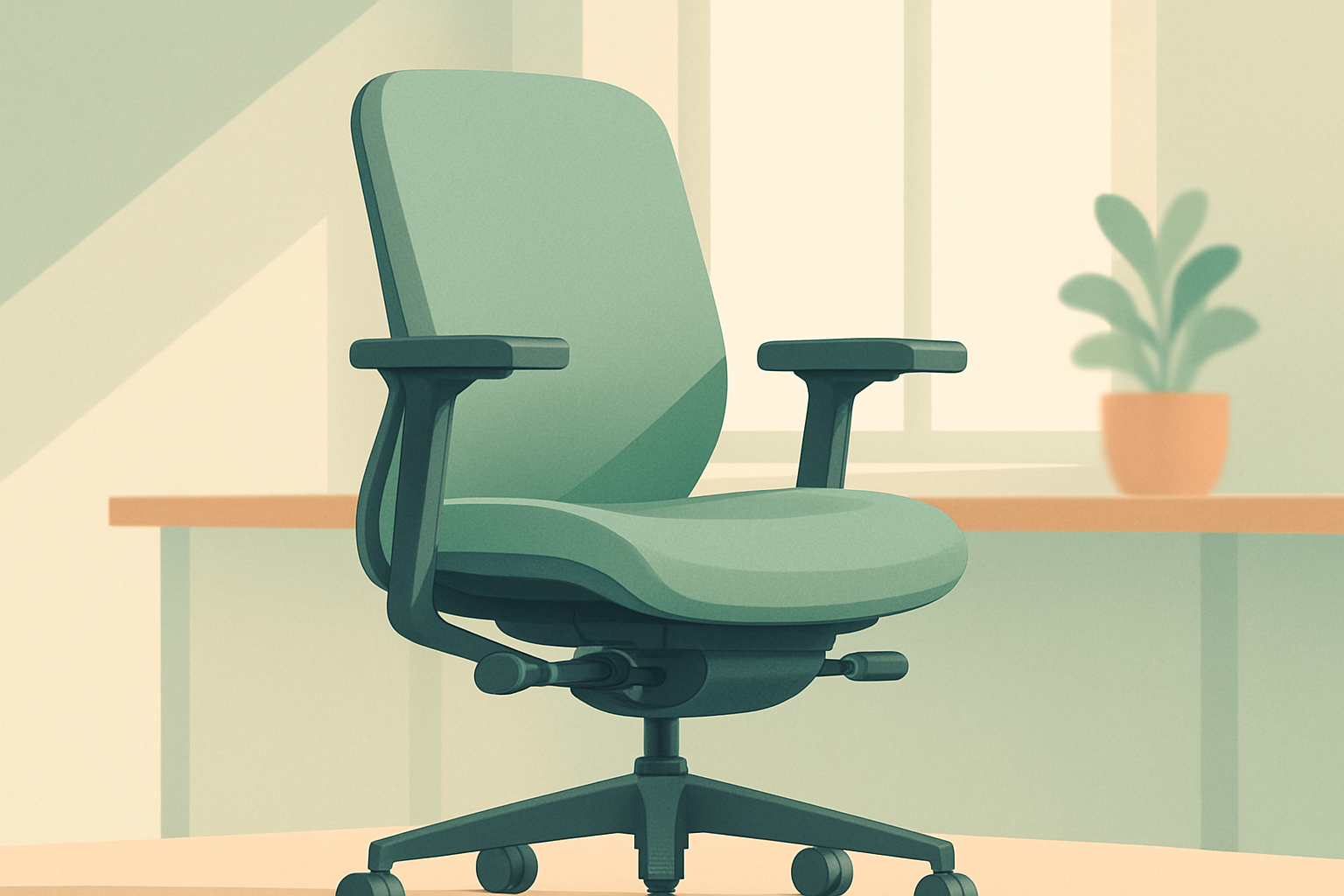
Figuring out how to choose an office chair sounds simple right up until you open a spec sheet full of "4D armrests," "synchro-tilt," and "Class 4 cylinders," none of which tell you whether the thing will actually feel good after six hours. An office chair is one of the few purchases you'll use for thousands of hours, usually while your body does the least natural thing it does all day: holding still. Get it right and you stop thinking about it. Get it wrong and you'll feel it in your back, neck, or wrists.
The catch is that the "best office chair" lists you find online are ranked for an average person who isn't you, and plenty of them earn a commission on whatever they crown. This guide skips the leaderboard. Instead, it walks through the criteria that decide whether a chair fits your body, your desk, and your budget, so you can judge any chair on its own merits.
Start with how you actually sit
Before you compare a single feature, get honest about how you use a chair. The right chair for someone on back-to-back video calls is different from the right chair for someone who leans in to type all day, or someone who reclines to read and think.
Ask yourself a few questions:
- How many hours a day will you really be in it? An hour of email is a low bar; eight hours of focused work is a different machine.
- What's your default posture? Do you perch forward over a keyboard, sit upright, or lean back to think?
- Do you move a lot or stay put? Fidgeters benefit from a responsive chair that follows them; statues benefit from steady, locked-in support.
- What's the rest of your setup? A fixed-height desk, a laptop versus dual monitors, and your own height all change what the chair has to do.
Your answers are the lens for everything below. A feature that's essential for one person is wasted money for another.
Fit comes first
If you remember one thing, remember this: an office chair has to fit your body, and "ergonomic" on the label means nothing unless the chair can actually adjust to you. A beautifully engineered seat that's too deep for your legs will still wreck your posture.
The adjustments that matter
- Seat height. The baseline. With your feet flat on the floor, your thighs should sit roughly parallel to the ground and your knees near a right angle. Almost every chair adjusts here; the real question is whether the range suits your height.
- Seat depth. The most overlooked spec. You want a few fingers' gap between the front edge of the seat and the back of your knees. Too deep and you can't use the backrest; too shallow and your thighs aren't supported. A sliding seat pan solves this, and it matters most if you're very tall or petite.
- Lumbar support. Your lower back has a natural inward curve, and good support fills it rather than flattening it. Adjustable lumbar (height and depth) beats a fixed bump that may land in the wrong place for your spine.
- Armrests. These range from fixed to "4D" (height, width, depth, pivot). The goal is to let your shoulders relax with your elbows near 90 degrees. Height-adjustable is the meaningful minimum; more axes help if you switch between varied tasks.
- Recline and tilt. Leaning back periodically takes load off your spine. Look for adjustable tilt tension (so reclining matches your weight) and a lock if you like a fixed angle. "Synchro-tilt" just means the back and seat recline together at a comfortable ratio.
- Headrest. Optional. Useful if you genuinely recline and rest your head; mostly decorative if you sit upright and forward.
Your size is part of the spec
Most chairs are built around an average frame. If you're notably tall, short, or heavy, read the dimensions, not the marketing. Check the weight capacity, the seat height range, and whether the maker offers tall or petite versions or a wider seat. A chair that fits a 5'4" person and a 6'5" person equally well mostly doesn't exist, so pick for your body, not the average.
Ergonomics is a system, not a single chair
A great chair can't rescue a bad workstation. Neutral posture, the position your body actually wants to hold, comes from the whole setup: feet supported, hips slightly above your knees, the lower-back curve maintained, shoulders relaxed, and your screen roughly at eye level so you're not craning your neck. If your desk is too high or your monitor too low, no chair fixes that.
It also helps to drop the idea of one perfect posture. The healthiest way to sit is to keep changing how you sit, shifting, reclining, standing up now and then. That's why responsiveness and easy adjustment often matter more than plushness. A chair that makes movement effortless beats one that locks you into a single "correct" pose.
Materials and build quality
What you sit on
- Mesh. Breathable and cool, conforms to your back, and stays comfortable in a warm room. The trade-off is less cushioning and, on cheaper chairs, a hard front edge that can press into your thighs.
- Padded fabric or foam. Cushioned and warm, often the most immediately comfortable. Lower-quality foam can compress and lose support over time.
- Leather or faux leather. Looks executive and wipes clean, but it can feel hot and sweaty over long sessions, and cheap faux leather may crack or peel.
There's no best surface, only what suits your climate, your session length, and how much cushioning you like.
The parts people forget
The bits you don't sit on decide how long the chair lasts, and whether it slowly sinks while you work.
- Base. A metal (aluminum) base is sturdier and tends to outlast nylon, especially under heavier users.
- Gas cylinder. This is the piston that sets your height. A higher-quality, certified cylinder is far less likely to creep downward over a long day, a common and maddening failure on bargain chairs.
- Casters. Match the wheels to your floor. Standard casters suit carpet; soft or "rollerblade-style" wheels roll better and protect hard floors. Many chairs let you swap them cheaply, so it's rarely a dealbreaker, just something to plan for.
Know the main types
Categories are shorthand, not rankings. Each one leans toward a different priority.
- Task chairs. General-purpose, mid-range adjustability. The sensible default for most home offices.
- Ergonomic chairs. Built around adjustability and long-session support, usually the most dials and the highest price.
- Executive chairs. Tall, padded, often leather. Designed to look authoritative; comfort and adjustability vary, so don't assume the imposing one is the supportive one.
- Gaming chairs. Racing-style bucket seats with bold looks. Some are genuinely adjustable; many prioritize styling over ergonomics, so judge them on the same fit criteria as anything else.
- Active or alternative seating. Kneeling chairs, saddle stools, and balance options encourage movement. They suit some bodies and tasks and frustrate others, so try before committing.
- Drafting stools. Tall chairs for standing-height desks, with a footring instead of floor-level feet.
Match budget to how much you use it
You don't need the priciest chair; you need the right one for how long you sit. Spend where your time goes.
- Budget tier. Basic height adjustment, maybe a simple tilt, simpler materials. Fine for light or occasional use, but expect a shorter lifespan and fewer adjustments.
- Mid tier. Adjustable lumbar and armrests, better mechanisms and materials. The value sweet spot for most full-time desk workers.
- Premium or ergonomic tier. Full adjustability, durable build, and long warranties. Worth it if you sit all day and your body is sensitive; hard to justify if you use the chair an hour a night.
If you're weighing how much to spend, our guide to setting a shopping budget helps you put a sensible number on it before you shop.
Warranty and return policy are part of the product
Like a mattress, you can't truly judge a chair in a five-minute test. Your back needs days of real use to tell you the truth, which makes the return window and the warranty part of what you're actually buying.
A few things worth checking before you commit:
- What the warranty covers, and for how long. Frame, mechanism, upholstery, and casters are often covered for different lengths, and parts-only is not the same as parts-and-labor.
- The return window and who pays return shipping. Chairs are bulky and heavy, so return freight and any restocking fee can add up fast.
- Whether assembly is required, and whether returning it means taking it back apart.
A long, clearly written warranty is a quiet signal of confidence. A vague one tells you something too. Comparing these terms fairly across chairs is its own skill; our guide to comparing products objectively lays out a repeatable method.
Common pitfalls to avoid
- Buying for looks. The most dramatic-looking chair, executive or gaming, isn't automatically the most supportive.
- Trusting the "ergonomic" label. It only helps if the chair adjusts to your body. Check the ranges.
- Ignoring seat depth. The single most common reason a chair feels wrong for tall and petite people.
- Over-valuing padding. Soft feels great for ten minutes; support is what you need at hour six.
- Forgetting the workstation. Desk and monitor height matter as much as the chair.
- Skipping the fine print. Return shipping and warranty gaps are where regret hides.
A quick pre-purchase checklist
Before you buy, get answers to these:
- Which dimensions adjust, and do the ranges fit my height?
- What's the seat depth, and does it suit my leg length?
- What's the weight capacity, and is there a tall or petite version?
- What casters does it ship with, and can I swap them for my floor?
- What does the warranty cover, and for how long?
- What's the return window, and who pays return shipping?
If you can answer those, you can judge any chair, no leaderboard required.
How Shopi helps
This is where a tool like Shopi earns its keep, because it has no stake in which chair you pick. It learns your needs, budget, and the values you care about, then explains every recommendation in plain language with a relevance score, so you understand why a chair fits you rather than why it ranks. Shopi runs no affiliate links, no ads, and earns no commission when you buy, so nothing is quietly nudging you toward a pricier seat, and when you want a closer look it sends you straight to the product's own page. You can try a no-signup demo to see how it works (it runs on a sample shopper profile, so results won't be tailored to you yet), then create a free profile in a couple of minutes for recommendations built around your body, your desk, and your budget.
Frequently asked questions
What's the most important feature in an office chair?
Fit, not any single headline feature. A chair has to adjust to your body, which means the seat height range suits your legs, the seat depth leaves a small gap behind your knees, and the lumbar support lands on your actual lower-back curve. An "ergonomic" label means nothing if the chair can't be set up for you, so prioritize adjustability over padding or styling.
Is a mesh chair or a padded chair better?
Neither is universally better; they trade off different things. Mesh breathes well and stays cool, conforms to your back, and resists sagging, but it offers less cushioning and can have a firm front edge. Padded foam or fabric is more immediately comfortable and warmer, but lower-quality foam can compress over time. Choose based on your climate, how long your sessions are, and how much cushioning you like.
Are gaming chairs good for office work?
Some are, but many prioritize bold styling over ergonomics, so don't assume the racing-style look means better support. Judge a gaming chair on the same criteria as any other: seat height and depth ranges, adjustable lumbar, the armrest axes, recline tension, and build quality. If it adjusts to your body and the parts are solid, it can work fine; if it's mostly aesthetics, keep looking.
How much should I spend on an office chair?
Match the spend to how much you actually sit. For light or occasional use, a budget chair with basic height adjustment is fine. For full-time desk work, a mid-tier chair with adjustable lumbar and armrests is usually the value sweet spot. A premium ergonomic chair is worth it if you sit all day or your body is sensitive, and hard to justify if you only use it an hour a night.
Why does my office chair keep sinking while I sit?
Almost always a worn or low-quality gas cylinder, the piston that holds your seat height. Cheaper cylinders lose their seal and creep downward under load. It's a replaceable part, but it's a common and annoying failure, so it's worth checking cylinder quality before buying rather than fixing it later.