How to Choose a Soundbar
By The Ask Shopi Team · 8 min read
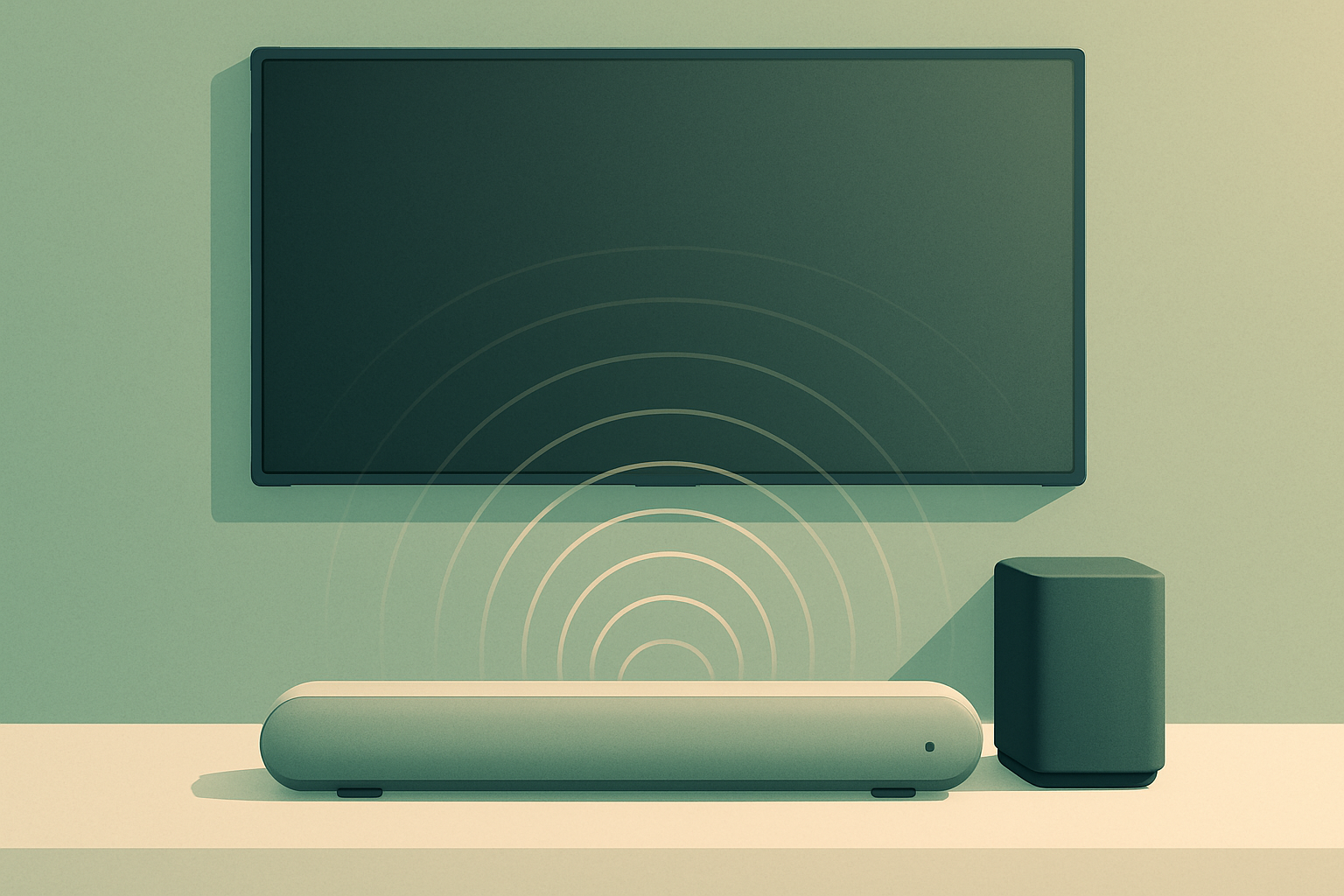
TVs keep getting thinner, and the one component that can't survive that diet is sound. There's nowhere left to put a real speaker, so even a pricey set often produces audio that's tinny, boxy, and — the complaint people make most — hard to follow when actors mumble or a soundtrack swells. A soundbar is the popular fix because it delivers a big improvement for comparatively little fuss. But the category is a thicket of numbers like 2.1 and 5.1.2, formats like Atmos and DTS:X, and ports like eARC and ARC, all of which sound important and mostly go unexplained. So the real question in how to choose a soundbar isn't "which one sounds best?" — it's "which one solves my audio problem, in my room, without paying for capability I'll never use?" Let's untangle it.
Start with the problem you're solving
Before any spec, get clear on why you want a soundbar at all. The honest answer points you straight at the right type.
- Dialogue is hard to hear. This is the most common reason people upgrade, and it doesn't require a big system. A modest bar with a dedicated center channel or a good "voice" mode fixes it.
- Movies feel flat. You want impact, low-end weight, and a sense of scale. That pushes you toward a bar with a subwoofer and possibly height channels.
- You want true surround. You watch a lot of films or game seriously and want sound coming from behind you. That means rear speakers, real or simulated.
- It's mostly for music. Then stereo quality, streaming support, and tone matter more than surround channels you'll rarely trigger.
- You live in an apartment. Big bass and late-night viewing don't mix with neighbors. A capable bar with a strong night mode may serve you better than a thumping subwoofer.
Nail this first and most of the decisions below answer themselves. The expensive mistake is buying a feature-stuffed system to solve a simple problem — or a tiny bar when you actually wanted the cinema.
Match the size to your TV and room
A soundbar's width should roughly match your TV. A short bar under a large screen looks lost and can leave the sound feeling narrow; an oversized bar on a small stand overhangs awkwardly. It doesn't need to be exact, but aim for the same neighborhood.
Height matters more than people expect. A tall bar can creep up over the bottom of the screen or block the TV's remote sensor. Measure the gap between your TV's stand and the bottom of the panel, and check whether you'll set the bar on furniture or wall-mount it.
Then factor in the room itself. A small den is easy to fill with sound; a large, open-plan living space asks more of the system and is where a subwoofer and extra channels start to earn their keep. Room size and layout shape your experience as much as any spec on the box.
Decode the channel numbers (2.1, 3.1, 5.1.2)
That cryptic notation is the most useful thing to learn, because it tells you exactly what a system can do. It reads as X.Y.Z: the first number is how many horizontal channels (left, right, center, surrounds), the middle number is subwoofers, and the third number — if present — is upward-firing height channels for 3D audio.
Here's how the common configurations stack up, from simplest to most capable:
- 2.0 — Plain stereo, no subwoofer. A clean, compact upgrade over TV speakers; light on bass.
- 2.1 — Stereo plus a subwoofer. Adds the low-end punch that makes movies and music feel fuller.
- 3.1 — Adds a dedicated center channel, which locks dialogue to the screen and makes voices noticeably clearer. A sweet spot for many living rooms.
- 5.1 — Adds left and right surround channels for sound around and behind you. Real immersion, but it means placing rear speakers.
- 5.1.2 / 7.1.4 — The ".2" or ".4" adds height channels for Dolby Atmos. The full theater experience, and the most demanding to set up and justify.
More channels is not automatically better — it's better only if your room and your content can use them. A small apartment paired with mostly streaming TV won't reveal much difference between 5.1 and 7.1.4, while you'll absolutely hear the jump from 2.0 to 3.1.
The subwoofer question: how much bass do you really need?
Bass is where soundbars vary the most. There are three broad approaches, and each is a real trade-off:
- No separate sub. The bar handles its own low end. Tidiest and cheapest, but bass is limited — fine for dialogue and casual viewing, thin for action movies.
- Built-in or compact sub. Some bars pack woofers into the main unit. A reasonable middle ground that avoids an extra box.
- Separate wireless subwoofer. Delivers the deepest, most physical bass and frees the bar to handle everything else cleanly. The cost is floor space and one more thing in the room.
Be realistic about your living situation. A separate subwoofer is glorious in a house and a liability in a thin-walled apartment, where it mostly annoys the neighbors. If late-night, low-volume viewing is your norm, prioritize clarity and a good night mode over raw bass you'll never turn up.
Surround and Dolby Atmos: real, virtual, and what your room allows
"Immersive" and "3D audio" get thrown around loosely, so it helps to know what's actually producing the effect.
Real surround uses physical speakers placed behind or beside you. It's the most convincing, and the reason many people prefer systems you can expand with add-on rears later.
Virtual surround uses processing to make a single bar seem like sound is wrapping around you. It can be impressively clever, but it rarely matches the real thing — manage your expectations and, if you can, judge it in a normal room rather than a showroom.
Dolby Atmos and DTS:X are object-based formats that add a height dimension. Soundbars usually create this with upward-firing drivers that bounce sound off your ceiling. That trick only works with a fairly flat, normal-height ceiling — vaulted, angled, or very high ceilings scatter the sound and dull the effect. If your room can't support it, an Atmos bar is partly paying for a feature you won't fully hear.
If surround matters but you're not ready to commit, look for an expandable system that lets you add a sub or rear speakers down the road. It spreads the cost and the setup over time.
Connections: the spec most people get wrong
This is where buyers trip up, because the wrong cable can quietly cap what an expensive bar delivers. Check your TV's ports before you choose.
- HDMI eARC is the best option. It carries the highest-quality audio, including full Dolby Atmos, and lets one remote control TV and bar together. If your TV and bar both support eARC, use it.
- HDMI ARC is the older version of the same idea. It works well and handles most formats, but can't pass the highest-bandwidth lossless audio that eARC can.
- Optical (Toslink) is a reliable fallback that works with almost any TV, but it can't carry the newest immersive formats and sometimes complicates volume control. Fine for a basic setup; limiting for a high-end one.
- Bluetooth and Wi-Fi matter if you'll stream music. Wi-Fi options (with AirPlay, Chromecast, or multiroom) generally sound better and stay connected more reliably than Bluetooth, which is convenient but lower fidelity.
One practical note: if you want full Atmos, you need an eARC connection and Atmos content and an Atmos-capable bar. Miss any link in that chain and you don't get the full effect, no matter what the box promises.
Features worth caring about (and ones you won't use)
Beyond the headline specs, a few features genuinely improve daily life:
- A dialogue or voice mode that lifts speech above the soundtrack — worth its weight if mumbled lines drive you up the wall.
- A night mode that tames booming bass and loud effects so you can watch late without waking the house.
- Room calibration, where the bar measures your space and tunes itself, which can meaningfully even out the sound.
- Sensible app control for adjusting settings you'd otherwise hunt through on-screen.
Features you can usually ignore unless you specifically want them: built-in voice assistants, novelty sound modes you'll set once and forget, and brand ecosystems that only pay off if you're buying multiple matching pieces.
Common pitfalls and smart questions to ask
A few traps catch first-time buyers, and a few questions cut straight through them:
- Don't buy more channels than your room and content can use. A 7.1.4 system in a small apartment streaming sitcoms is money spent on silence.
- Don't trust an in-store demo. Showroom acoustics, volume, and source material are nothing like your living room. Lean on detailed, independent impressions instead.
- Ask: does my TV have eARC or ARC, and does this bar match? This single question prevents the most common disappointment.
- Ask: will I actually place rear speakers, or is virtual surround enough? Be honest about your space and your tolerance for wires.
- Ask: can this expand later? If your budget is tight now, a system you can grow beats a sealed one-box you'll outgrow.
- Read reviews with clear eyes. Favor specific, detailed write-ups over a glowing star average, and check more than one independent source.
How Shopi helps you choose
Here's the part most guides skip. Once you know your room, your TV's ports, and the problem you're solving, the hard part isn't the decision — it's the noise. Plenty of "best soundbar" lists are ranked partly by affiliate commission: the site earns a cut when you buy through its link, which can quietly nudge certain models up the page. That doesn't make them worthless, but it's an incentive worth reading around. Our guides on how to compare products objectively and the companion piece on how to choose a TV help you score options on your criteria instead of someone else's spotlight.
When you're ready to look at real bars, this is candidly why we built Shopi: an AI shopping advisor with no affiliate links, no ads, and no commissions — it earns nothing when you buy, so a recommendation rises only because it fits you. It learns your needs, budget, and values, then explains every pick in plain language with a relevance score, and links you straight to the product's own page rather than a kickback link. You can tell it something like "small living room, want clearer dialogue and some movie punch, TV has eARC, under [your budget]" and see options with a clear "why this fits" for each.
You can try it free with no signup — the demo runs on a sample shopper profile, so it shows how the reasoning works rather than results tailored to you. Create a free profile (under two minutes) when you want recommendations matched to your own room and setup. The framework above is the real value, and it's yours whether or not you ever open the app: solve your actual problem, match the size and channels to your room, check your ports, and ignore anyone upselling you a feature your space can't use.
Frequently asked questions
How many channels do I actually need in a soundbar?
It depends entirely on your room and what you watch. A 2.1 system (stereo plus subwoofer) is a big upgrade over TV speakers. Adding a dedicated center channel (3.1) is the single best move for clearer dialogue and suits most living rooms. Step up to 5.1 only if you'll place real rear speakers, and to Atmos systems (5.1.2 or higher) only if your room and content can use the extra height channels. More channels isn't automatically better — it's better only if your space reveals the difference.
What's the difference between HDMI eARC, ARC, and optical?
They're three ways to send audio from your TV to the soundbar. HDMI eARC is the best: it carries the highest-quality sound including full Dolby Atmos and lets one remote control both devices. HDMI ARC is the older version — it works well but can't pass the highest-bandwidth lossless audio. Optical (Toslink) is a reliable fallback that works with almost any TV but can't handle the newest immersive formats. Check which ports your TV has before you buy, because the wrong connection can quietly cap an expensive bar.
Do I really need a separate subwoofer?
Not always. If your main goal is clearer dialogue and casual viewing, a bar without a separate sub can be plenty. A separate wireless subwoofer delivers the deepest, most physical bass and is glorious for action movies in a house — but it takes floor space and can be a real liability in a thin-walled apartment. If you mostly watch late at night at low volume, prioritize clarity and a good night mode over raw bass you'll rarely turn up.
Will a Dolby Atmos soundbar work in my room?
It depends on your ceiling. Most Atmos soundbars create the height effect with upward-firing drivers that bounce sound off the ceiling, which only works well with a fairly flat, normal-height ceiling. Vaulted, angled, or very high ceilings scatter that sound and weaken the effect. You also need an Atmos-capable bar, Atmos content, and an eARC connection — miss any link in that chain and you won't get the full experience, no matter what the box claims.
How does Shopi help me choose a soundbar differently?
Shopi is an AI shopping advisor with no affiliate links, ads, or commissions, so it earns nothing when you buy and recommends based on fit, not payouts. You describe your room, your TV's ports, what you watch, and your budget, and it returns options with a plain-English 'why this fits' explanation and a relevance score, linking you directly to each product's own page. You can try a free demo with no signup (it runs on a sample profile, so it isn't tailored to you), or create a free profile for personalized results.